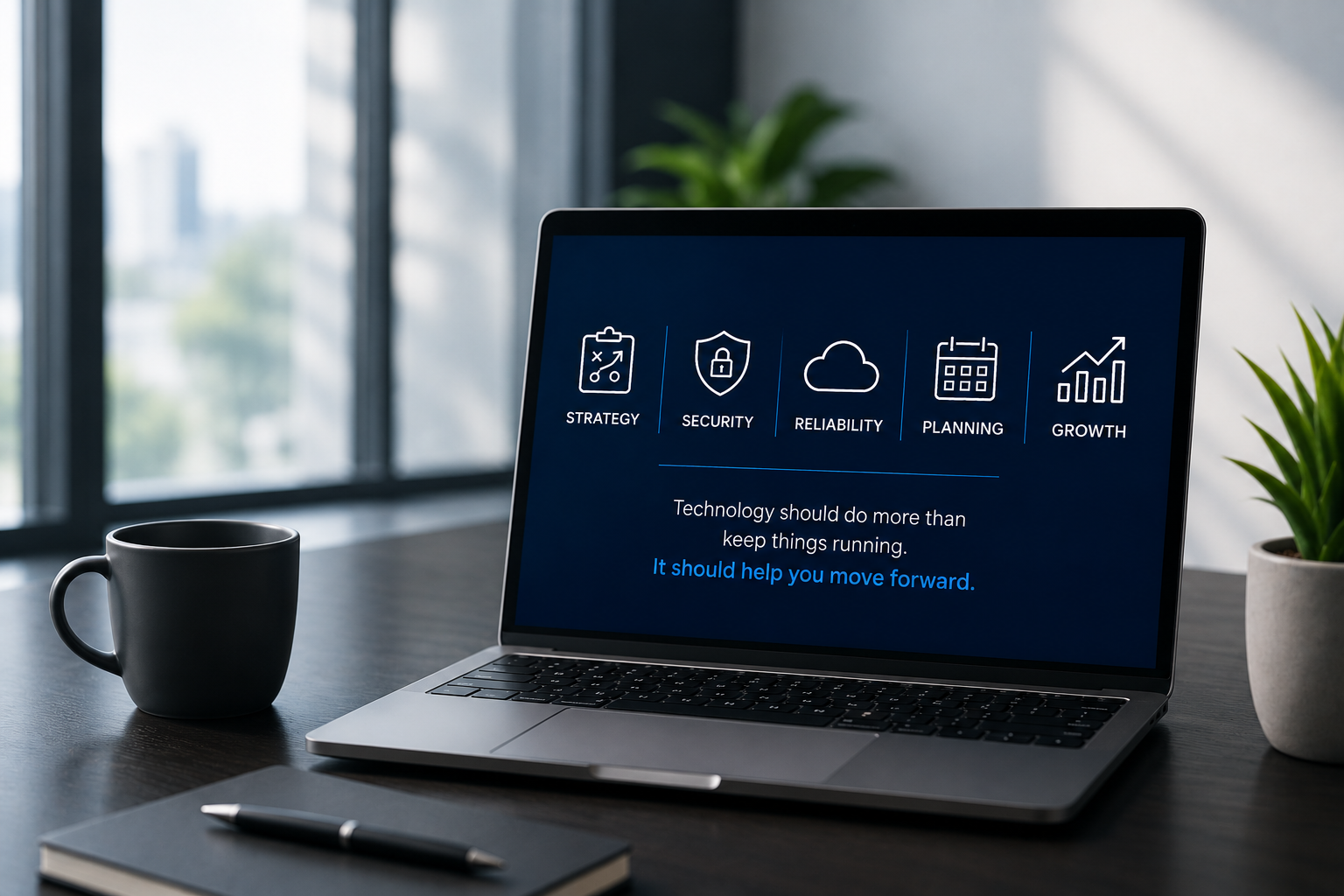
Is your IT provider just fixing problems, or are they actually helping your organization move forward?
When most businesses think about their IT provider, they think about support.
Someone's computer stops working. An employee gets locked out of an account. The internet goes down. A new employee needs a laptop. A suspicious email shows up.
Those things matter. Your IT provider should absolutely be able to solve day-to-day technology problems quickly.
But fixing problems is only one part of what a strong IT partner should be doing for your organization.
A good IT provider should do more than troubleshoot technology problems. They should help your organization plan its technology strategy, manage cybersecurity and risk, build an IT budget and technology roadmap, oversee vendors, prepare for business disruptions, and identify opportunities to improve operations through technology.
As businesses become more dependent on technology, cybersecurity, cloud platforms, compliance requirements, and artificial intelligence, IT decisions have a much larger impact on the organization as a whole.
The question is no longer simply:
"Is our technology working?"
It should also be:
"Is our technology helping us move forward?"
What Is the Difference Between IT Support and Strategic IT Services?
Traditional IT support is largely reactive.
Something happens, someone submits a ticket, and the IT provider responds.
A strategic IT partner still provides that support but also looks beyond today's problems to help the organization prepare for what's next.
That means understanding your business goals, identifying technology risks, planning future investments, managing the lifecycle of your systems, and helping leadership make informed decisions about technology.
In other words, your IT provider shouldn't only know what's happening with your computers.
They should understand where your organization is going.
What Should an IT Provider Do Besides Fix IT Problems?
While every organization is different, there are several areas where a proactive technology partner should be providing guidance.
1. Build a Technology Roadmap
Technology decisions shouldn't be made one emergency at a time.
A technology roadmap identifies what needs attention over the next 12, 24, or even 36 months. That might include aging hardware, server replacements, cloud migrations, cybersecurity improvements, software changes, or major business initiatives.
Planning ahead allows leadership to prioritize projects instead of constantly reacting to them.
It also creates a clearer connection between technology investments and the organization's long-term goals.
2. Help Build and Manage an IT Budget
Unexpected technology expenses can create unnecessary pressure on an organization.
Your IT provider should help identify upcoming expenses before they become emergencies.
That includes expected hardware replacements, licensing changes, cybersecurity investments, infrastructure projects, and other technology initiatives.
A strong IT budget connects those expenses to the organization's overall business plan so leadership understands not only what they are spending, but why.
3. Manage Cybersecurity as an Ongoing Strategy
Cybersecurity isn't a product you purchase once and check off a list.
Threats change. Employees change. Technology changes. Compliance requirements change.
Your cybersecurity strategy should evolve with them.
A proactive IT partner should regularly evaluate areas such as identity and access management, endpoint protection, email security, backups, vulnerability management, employee security awareness, incident response, and emerging risks.
For organizations in regulated or security-conscious industries, technology and cybersecurity planning should also account for applicable compliance requirements, audits, examinations, cyber insurance requirements, and documentation.
The goal isn't simply to add more security tools.
It's to understand the organization's actual risks and build the right protections around them.
4. Plan for Business Continuity and Disaster Recovery
What happens if a critical system goes down tomorrow?
How quickly could your organization recover?
Where is your data backed up?
Who makes decisions during an incident?
How would your employees continue operating if your office or critical systems became unavailable?
These questions should have answers before an emergency happens.
Business continuity, backup, disaster recovery, and incident response planning should be reviewed regularly to make sure recovery expectations, responsibilities, systems, and procedures still match the needs of the organization.
5. Manage Technology Vendors
Most organizations rely on far more technology vendors than they realize.
Internet providers, software platforms, phone systems, cybersecurity products, cloud services, line-of-business applications, and other vendors all become part of the technology environment.
Someone should understand how those systems fit together.
A strategic IT partner can help evaluate vendors, review technology requirements, coordinate implementations, manage renewals, identify unnecessary overlap, and make sure new technology fits into the organization's larger environment.
6. Regularly Review Technology With Leadership
Technology shouldn't exist in a separate world from the rest of the business.
Leadership should have regular conversations about technology performance, cybersecurity risks, upcoming investments, business initiatives, and opportunities for improvement.
And those conversations shouldn't be filled with technical jargon.
They should translate technology into business terms:
What is the risk?
What does it cost?
What happens if we don't address it?
What should we prioritize first?
How does this support where the organization is going?
That is where strategic IT leadership becomes especially valuable.
What Does a vCIO Do?
A virtual Chief Information Officer, or vCIO, helps connect technology decisions to an organization's broader operational, financial, and strategic goals.
Instead of focusing primarily on individual technical issues, a vCIO looks at the bigger picture.
That can include technology roadmaps, IT budgeting, lifecycle planning, cybersecurity strategy, vendor management, business continuity, major projects, risk management, and long-term technology planning.
For small and mid-sized organizations that may not need a full-time Chief Information Officer, a vCIO can provide that strategic leadership without adding another executive position internally.
The result should be a technology strategy leadership understands and can actually use to make decisions.
Where Does AI Fit Into Your IT Strategy?
Artificial intelligence has quickly become another area where organizations need strategic technology guidance.
Employees are experimenting with AI tools. Software vendors are adding AI features to existing platforms. Microsoft 365 continues to expand Copilot capabilities. New automation opportunities are appearing constantly.
But adopting AI without a plan can introduce security, privacy, compliance, and operational risks.
Organizations should understand which AI tools are being used, what information employees can share with them, where AI could improve operations, and what policies or controls should be in place.
The goal isn't to adopt every new AI tool.
It's to identify where AI provides meaningful business value while managing the risks that come with it.
AI should become part of the organization's broader technology strategy, not a completely separate initiative.
How Often Should a Business Review Its IT Strategy?
For most organizations, technology strategy should be an ongoing conversation rather than an annual event.
Leadership should have structured technology reviews throughout the year, with a more comprehensive planning and budgeting process completed annually.
Regular reviews allow the organization to adjust when business priorities change, new risks emerge, technology reaches end of life, or new opportunities become available.
If the first time you're discussing a major technology expense is when something breaks, the planning process probably isn't working.
How Do You Know If Your IT Provider Is Too Reactive?
A reactive IT relationship isn't always obvious, especially when support tickets are being handled successfully.
Some common warning signs include:
Most conversations with your IT provider start because something went wrong.
You don't have a documented technology roadmap.
Technology expenses regularly come as surprises.
Leadership rarely discusses technology strategy.
Cybersecurity conversations focus primarily on products instead of risk.
Hardware is replaced only after it fails.
You aren't sure what your business continuity or disaster recovery plan looks like.
Different technology vendors operate independently without anyone overseeing the full environment.
New technologies are introduced without evaluating how they fit into the larger business strategy.
You don't have a clear picture of what technology investments are coming over the next year.
None of these necessarily mean your IT provider is doing a poor job.
They may simply be providing IT support rather than strategic IT leadership.
There is a difference.
What Should You Expect From a Managed IT Services Provider?
A managed IT services provider, or MSP, should do more than maintain computers and respond to support requests.
A strong MSP relationship should combine responsive day-to-day support with proactive technology management, cybersecurity, strategic planning, budgeting, lifecycle management, vendor management, business continuity, and ongoing leadership guidance.
Ultimately, the goal should be to create a technology environment that is secure, reliable, predictable, and aligned with the organization's goals.
Your IT provider should be able to fix today's problem.
But they should also be helping you prevent tomorrow's problem and plan for what's coming next.
Moving From IT Support to Strategic IT Leadership
At EON Consulting, we believe technology works best when it is treated as part of the business strategy, not simply a support function.
Our team provides Managed IT Services while working alongside organizational leadership to plan for cybersecurity and compliance, technology budgeting, infrastructure, business continuity and disaster recovery, AI adoption, and future technology investments.
We work with organizations in Denton, Dallas-Fort Worth, throughout North Texas, and beyond, including businesses and organizations with heightened cybersecurity, compliance, and technology requirements.
The goal isn't more technology.
It's making better technology decisions.
If you're wondering whether your current IT strategy is keeping up with your organization, contact EON Consulting to start a conversation.